How SuperSoft Delivers Native Systems
SuperSoft interprets your intent, assembles a complete system blueprint, and deploys it as a native module that runs across chat, voice, dashboards, and your existing tools.
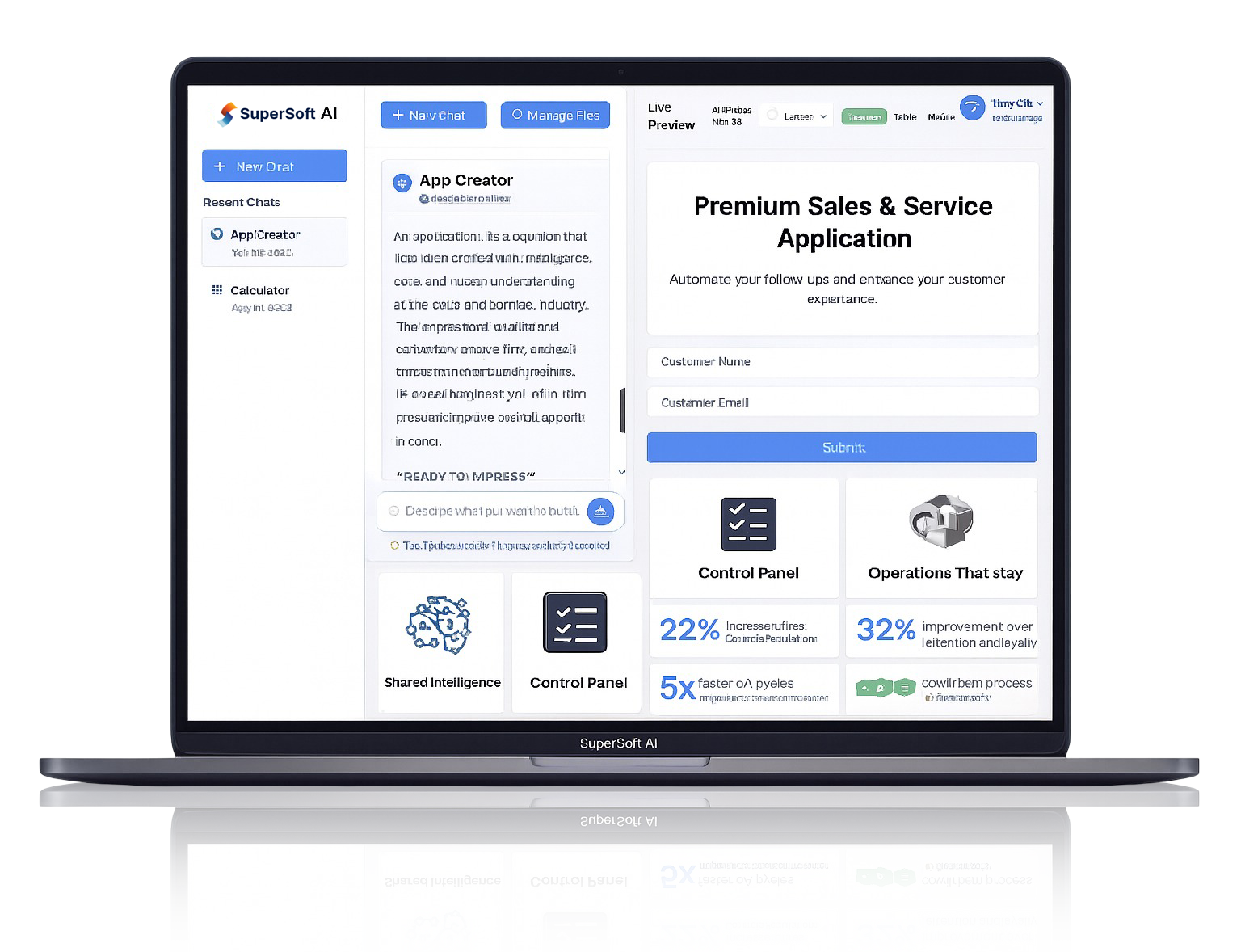
SuperSoft interprets your intent, assembles a complete system blueprint, and deploys it as a native module that runs across chat, voice, dashboards, and your existing tools.

Describe what you want to build in everyday language.

Entities, workflows, interfaces, and policies in one place.

Reusable CRM, helpdesk, and workflow modules you can clone and adapt.

Executes flows across channels with retries, SLAs, and routing.

Roles, approvals, and full change history for every module.




SuperSoft uses AI to understand your domain language—queues, SLAs, approvals, regions, segments—and turns it into systems that are ready for production. Instead of wiring tools together by hand, you describe outcomes; SuperSoft composes the modules.
SuperSoft suggested a complete ‘Premium Support Desk’ system: entities, queues, SLAs, and dashboards. We reviewed the blueprint, tweaked a few rules, and launched the module to chat and voice in under two weeks.
From any workflow idea to a production-ready native system—designed in natural language and deployed across channels.
SuperSoft interprets what you write and drafts a complete system blueprint. The System Designer identifies entities, workflows, interfaces, and policies based on your description.
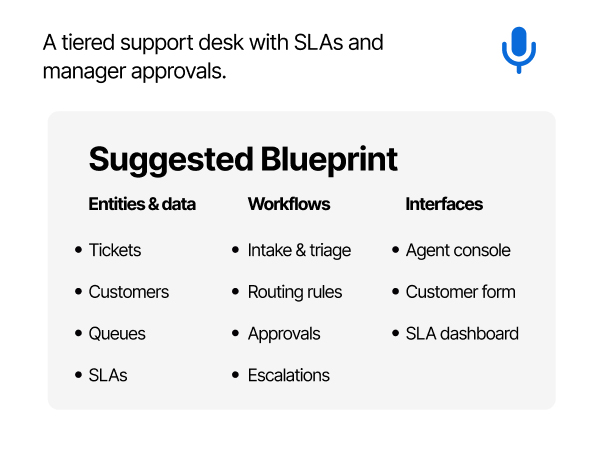
Structured system blueprint
Your idea is turned into entities, workflows, interfaces and policies.
Reusable building blocks
Blueprint is broken into modules you can extend, clone, or reuse in new systems.
Channel-aware design
SuperSoft notes which flows should run over chat, voice, internal consoles, and APIs.
Guardrails & assumptions
Constraints, edge cases, and approval rules are captured for review before launch.
Version-ready from day one
The initial design is stored as v1.0 with full history for future changes.
SuperSoft executes your workflows as configuration—with SLAs, retries, and guardrails—so every run is consistent, observable, and safe.
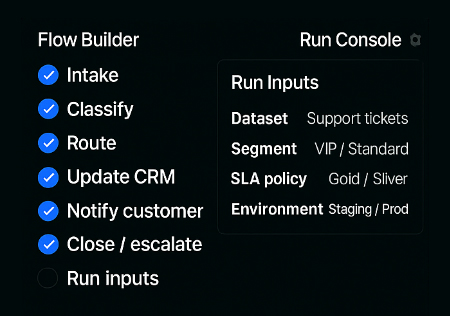
Workflows run end-to-end
Orchestrates every step with SLAs, resource limits and parallelism where needed.
State & inputs snapshotted
Captures data and configuration on each run for easy debugging and rollback.
Scheduling & retries
Built-in scheduling, backoff, and automatic retries when steps fail.
Safeguards
Permission checks, validation rules, and rate limits
before actions execute.
Run log & audit trail
Every run is logged with version, inputs and outcomes so you always know what happened.
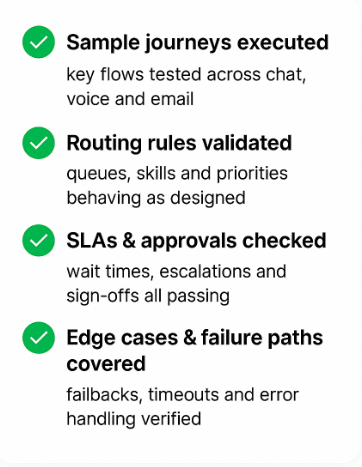
SuperSoft lets you run sample journeys through the blueprint before anything goes live. You can see how tickets, customers, and approvals move through each step, across channels, with full visibility into timings and outcomes.
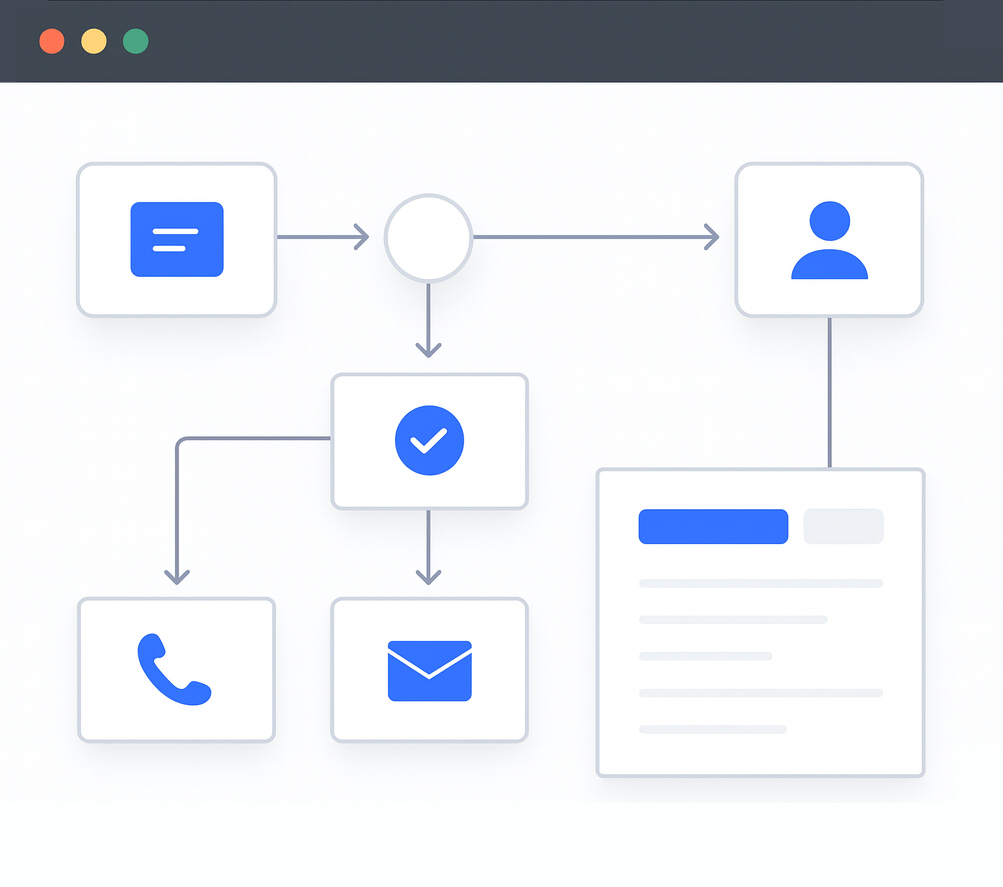
Journeys across channels
Make sure flows behave correctly in chat, voice, email and internal consoles.
Edge cases & exceptions
Test rare scenarios—escalations, approvals, failures—before they hit production.
SLA & queue impact
See how different routing rules affect wait times and resolution speed.
Agent experience
Preview what agents will see in their console for each step of the journey.
Customer experience
Review example messages and forms to ensure
tone, fields, and steps feel right.
SuperSoft lets you roll out new systems safely, with clear guardrails and control. You can move from blueprint to production in stages—testing with small groups, capturing approvals, and enforcing the right access—so nothing surprises your teams or customers on day one.
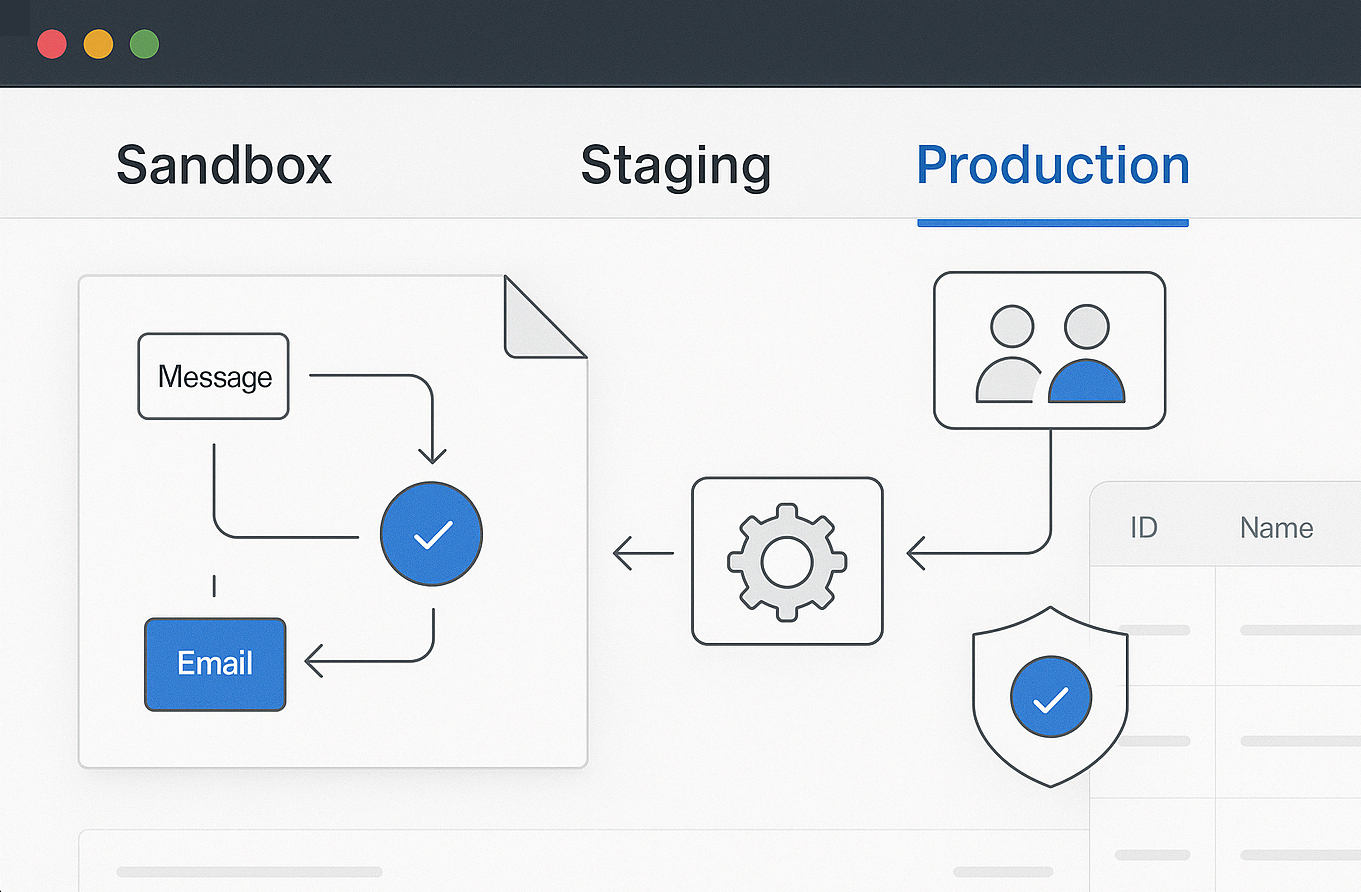
Environments & rollout
Move from sandbox to staging to production and choose whether to launch to a subset of teams, regions, or customers first.
Approvals & governance
Route changes through the right owners—ops, legal, compliance—before anything updates live logic or data.
Permissions & access
Define which teams can view, edit, or trigger each part of the system, aligned with your existing roles and policies.
Data & compliance checks
Confirm that data handling, retention and audit requirements are met before a new flow starts processing real traffic.
Fallback & rollback paths
Keep clear fallbacks and one-click rollback options so you can revert quickly if something isn’t behaving as expected.
Once your system is live, SuperSoft keeps tracking how it performs. You can see where customers drop off, where approvals get stuck, and which channels or teams are under pressure. Updating the blueprint is as simple as editing the design—SuperSoft redeploys the improved version without lengthy projects.
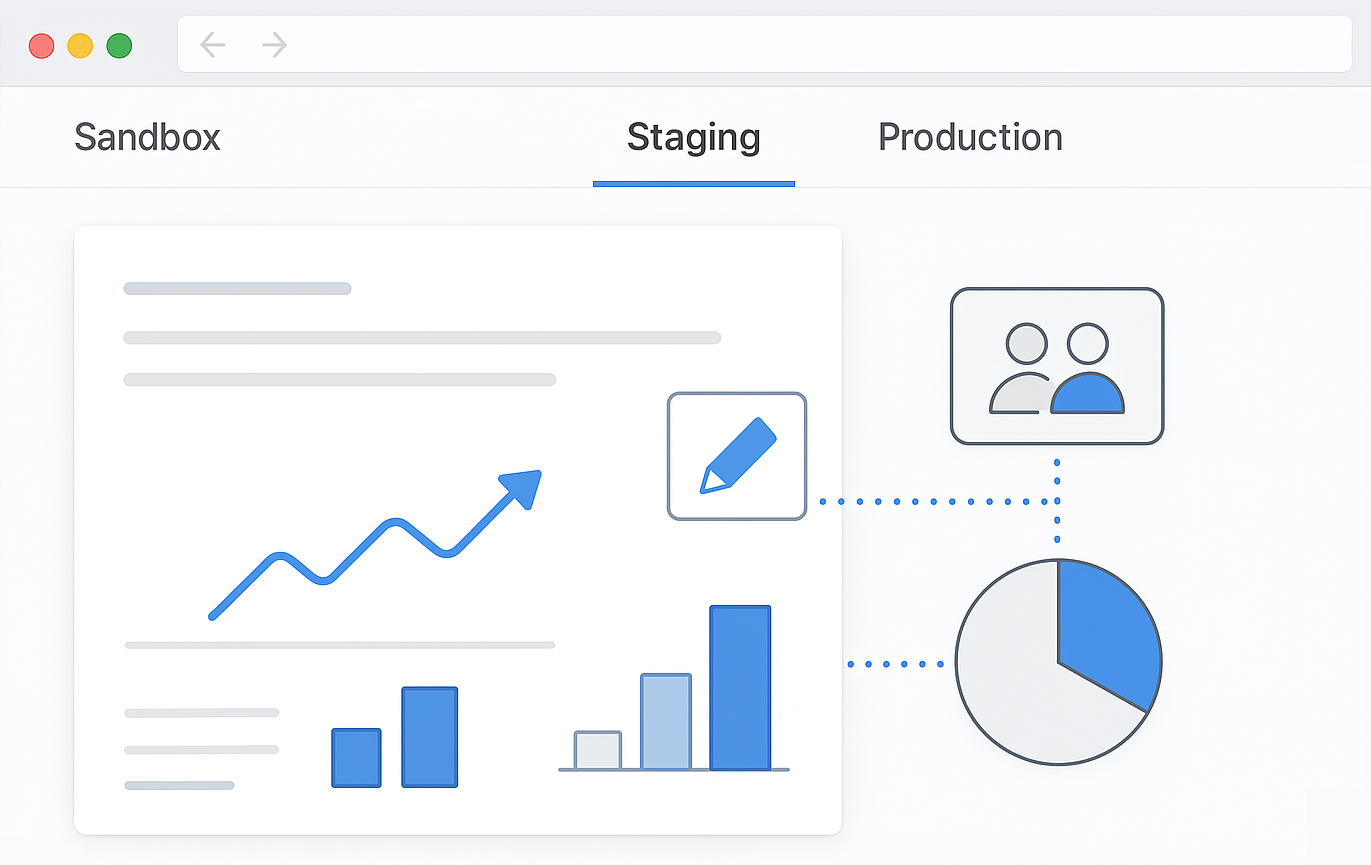
Performance & SLAs
Monitor resolution times, queue lengths, and SLA breaches to spot bottlenecks and tune routing rules.
Customer outcomes
Track conversion, satisfaction, and completion rates to see which journeys actually work best for customers.
Operational efficiency
Measure handle time, rework, and handoffs so you can remove unnecessary steps and automate more.
Variants & experiments
Create alternate versions of a flow, run controlled tests, and keep the winning blueprint as your new standard.
Blueprint library
Turn successful systems into reusable templates that other teams can adopt and adapt across the organisation.
How does SuperSoft blueprint testing work?
Can I review or override steps before go-live?
What actually gets deployed to my teams and channels?
Turn ideas into unified AI systems—not standalone apps.

Each SuperSoft system is created as a Superpowers module from day one—no separate hosting, middleware, or one-off integration projects later.

Modules can draw on SuperFeel, SuperKnow, SuperYoo, SuperQA, SuperSage, and more—so every system gets orchestration, emotion awareness, knowledge, and foresight built in.

Agentic workflows operate within clear guardrails, using roles, approvals, and detailed audit logs to keep automation powerful yet controlled.

As the business changes, extend existing modules or spin up new ones—without rebuilding your AI foundation from scratch.
SuperSoft converts natural-language blueprints into Superpowers-native modules—governed, orchestrated, and prepared to run critical operations.
 SuperSoft
Build stronger relationships with customers by engaging them across their favorite channels, with instant access to chat, social, voice, and video tools.